

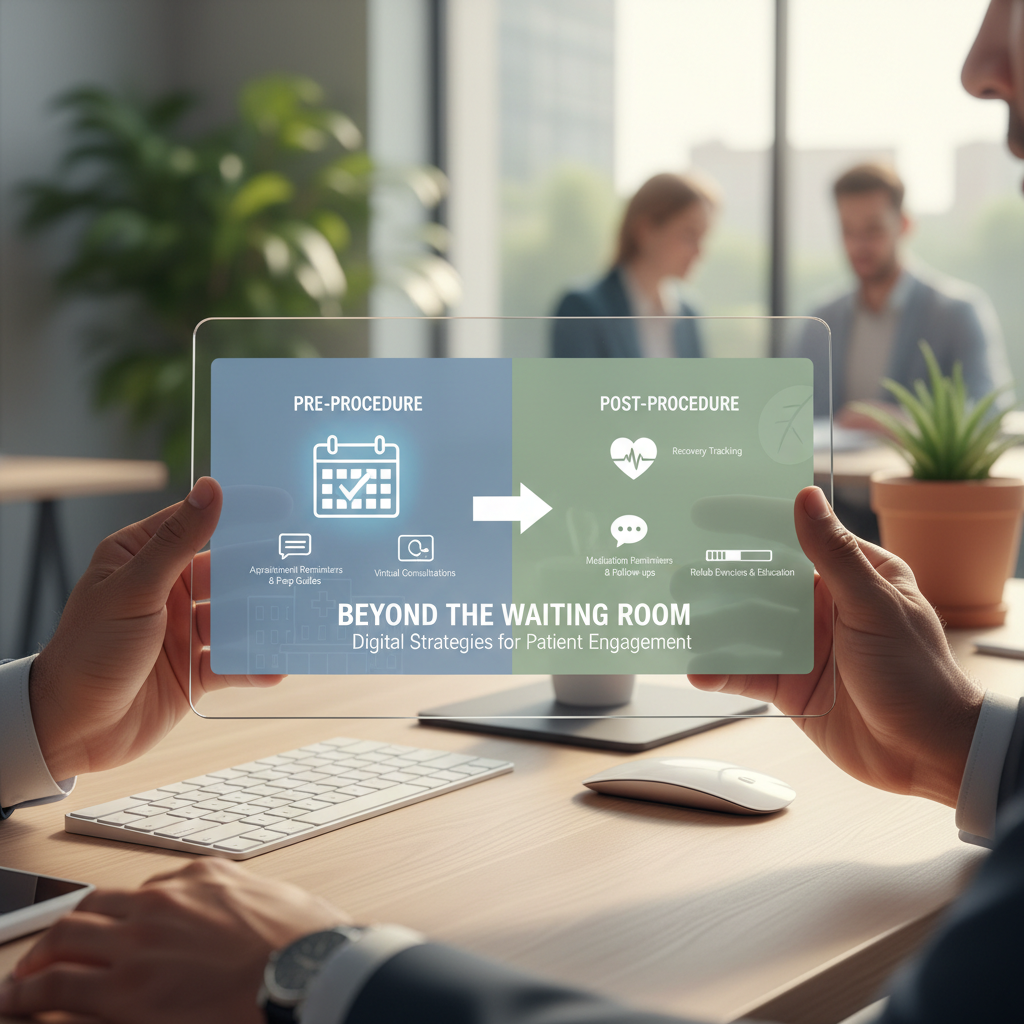
Beyond the Waiting Room: Digital Strategies for Patient Engagement Pre- and Post-Procedure
Clinics, surgical centers, and healthcare marketers who are tired of last-minute cancellations, confused patients, and rushed discharge calls will relate to this — it’s stressful, expensive, and frankly avoidable. The right digital approach eases anxiety, reduces no-shows, and improves outcomes by automating clear pre-procedure instructions and meaningful post-procedure follow-up, and our team helps design those systems so your staff can focus on care, not logistics.
Top 9 Digital Strategies to Boost Patient Engagement Before and After Procedures
1. Automated, multi-channel pre-procedure reminders
Patients forget. Period. So send reminders by text, email, and phone (automated calls) at specific intervals: 14 days, 7 days, 48 hours, and 24 hours pre-op. I’ve noticed that a 48-hour SMS with a single action link cuts confusion the most — it’s quick and patients actually click.
How to implement – simple steps:
- Use SMS for short, urgent items (fast responses).
- Email for attachments: consent forms, prep PDFs, maps.
- Automated voice calls for high-risk or elderly patients who prefer phone contact.
- Include a single CTA link: confirm, reschedule, or call the nurse.
Why it works: consistent touchpoints reduce no-shows and ensure patients arrive prepared, which saves OR time and boosts patient satisfaction.
2. Personalized pre-op education via video and microlearning
Clinical instructions are boring if they read like legal documents. Short videos — 60 to 180 seconds — that show exactly what to expect, how to fast, and how to prepare medication-wise, change the game. Patients retain visual instructions much better, and families appreciate it too.
Practical tips:
- Create procedure-specific video modules for the top 10 procedures you perform (start there, expand later).
- Include clear visuals: what to bring, clothing, arrival time, parking tips.
- Offer subtitles and multiple languages; accessibility matters.
3. Digital consent and e-forms – reduce friction, increase compliance
Paper forms cause bottlenecks. Digital consent with e-signatures lets patients complete paperwork at home, and stores the forms in the EHR automatically. It’s cleaner, faster, and legally defensible when done right.
Implementation checklist:
- Integrate with EHR to auto-link documents to the patient chart.
- Use progressive disclosure: show the important bits first (risks, fasting) and let patients drill into details.
- Send a confirmation receipt after completion with a short Q&A link (to address late questions).
4. Pre-procedure digital checklists with clinician triggers
Checklists work. But digital checklists that trigger clinician alerts if items are missed are better. For example, if a patient reports recent cold symptoms, the system flags the scheduler or nurse for a manual review. That prevents last-minute cancellations and safety issues.
Design notes:
- Keep the checklist under 12 items; make each item actionable.
- Include conditional logic: show only relevant items based on age, comorbidities, or procedure type.
- Set auto-escalation rules – no response in 24 hours? Notify staff.
5. Post-procedure monitoring with asynchronous check-ins
After discharge, patients often call the clinic for reassurance about pain, bleeding, or mobility. Asynchronous check-ins (secure SMS or portal questionnaires) collected at 24 hours, 72 hours, and 7 days let you spot red flags fast.
What to measure:
- Pain level (0-10), bleeding, fever, wound changes.
- Medication adherence: did they take antibiotics / anticoagulants as directed?
- Ability to perform key activities safely (walk, eat, void).
If a patient reports a concerning symptom, the platform should create a ticket for a nurse to call within a set SLA (eg, 2 hours). That kind of responsiveness reduces readmissions and builds trust.
6. Two-way secure messaging for quick clarifications
Patients want quick answers. Secure messaging through the patient portal or a HIPAA-compliant app beats phone tag. And it’s documented, which is helpful medically and legally (notes, timestamps).
Best practices:
- Set expectations: typical response time is 8 hours on business days; urgent items call the clinic.
- Create templated responses for common questions, but always personalize when needed.
- Train staff to triage via message and escalate clinical issues appropriately.
7. Post-op telehealth visits for early follow-up
Telehealth follow-ups at 48 to 72 hours post-op catch problems early. Video is especially useful for visual checks of wounds or suture sites (patients can show you with their phone camera). In my experience, a 10-minute video saves a 60-minute clinic visit, and patients love it.
Workflow tips:
- Schedule the tele-visit before discharge so patients know the slot.
- Use secure, integrated platforms that auto-document the encounter.
- Provide a quick checklist to patients before the call: good lighting, camera angle, dressing removal guidance.
8. Behavioral nudges and rewards to improve adherence
People respond to incentives and social proof. Use nudges: “9 out of 10 patients complete this 48-hour check-in” or small rewards like digital badges, expedited scheduling for completing forms early, or entry into a monthly prize draw for participation.
Why it matters: engagement improves when patients perceive value and recognition. This is a smart intersection of healthcare marketing and behavioral economics.
9. Analytics loops – track engagement, outcomes, and ROI
You can’t improve what you don’t measure. Track these KPIs: completion rate for pre-op forms, pre-op education video view rate, no-show rate, readmission rate within 30 days, and patient satisfaction scores after discharge. I’ve built dashboards where a 20% improvement in form completion correlated with a 12% drop in day-of cancellations.
Use the data to answer questions like:
- Which messages drive the most confirmations?
- Which procedures have the highest post-op symptom reports?
- What’s the average time-to-resolution for post-op nurse queries?
How do these strategies map to your staffing and workflows?
Real talk – adding digital tools means changing workflows, not replacing humans. Nurses still triage, schedulers still confirm, clinicians still review consent. But digital systems automate repetitive tasks, surface only the issues that need human attention, and free your team to focus on clinical judgment.

Implementation roadmap, quick and pragmatic:
- Pick one procedure line to pilot (start with the one that generates most volume).
- Standardize your pre-op checklist and consent content.
- Deploy multi-channel reminders and a single pre-op video.
- Run the pilot for 60 days, measure results, iterate.
- Scale to other procedure lines once you see measurable gains.
Common pitfalls and how to avoid them
There are traps. Here are the ones I’ve seen most often, and what to do instead.
- Too many messages – patients tune out. Aim for 3-5 high-value touches only.
- Poor integration – siloed apps create manual work. Integrate with EHR for seamless documentation.
- No escalation rules – messages without follow-up create false security. Define SLAs and ownership.
- One-size-fits-all content – patients are different. Use conditional logic and translations.
How much does this typically cost, and what’s the ROI?
Costs vary: small clinics can start with lightweight tools for under $2,000 per month, larger systems with full EHR integration run higher. The ROI often shows up quickly: fewer cancellations, lower readmissions, better throughput, and higher patient satisfaction scores (NPS or CAHPS).
Example ROI signal I’ve seen: a mid-size surgical practice reduced day-of cancellations by 37% after implementing automated reminders plus e-forms, which freed up 6 OR hours per month and increased revenue accordingly. Your numbers will differ, but the math is straightforward if you track the right KPIs.
How to start without overwhelming your team
Start small. Focus on one workflow that causes the most pain. Automate that, measure, then expand. If this feels overwhelming, our team can handle it for you — we map patient journeys, build the messages, and train staff so you don’t have to reinvent the wheel.
Frequently Asked Questions
How can digital tools improve patient engagement pre-procedure?
Digital tools deliver consistent, timely instructions and education across channels (SMS, email, video, portal), which reduces confusion and anxiety. They also automate paperwork and flag clinical concerns so staff intervene only when necessary. The outcome: fewer no-shows and better-prepared patients.
What should a post-procedure digital check-in include?
Keep it short and focused: pain score, fever or bleeding, wound appearance, medication adherence, and any new symptoms. Include a free-text field for concerns and an easy escalation path (call button or request nurse call). Schedule the check-ins at 24 hours, 72 hours, and 7 days, then adjust based on risk.
Are patients receptive to video-based education?
Yes. Most patients prefer short, clear videos to dense PDF instructions. Videos increase retention and reduce clarification calls. Make them concise, procedure-specific, and accessible (captions, multiple languages) and you’ll see higher engagement rates.
How do we ensure HIPAA compliance with messaging and telehealth?
Use HIPAA-compliant platforms for messaging, telehealth, and form capture. Ensure business associate agreements are in place, encrypt data in transit and at rest, and train staff on secure messaging policies. Documentation should flow into the EHR to maintain a single patient record.
How quickly should we expect outcomes to improve?
You can see measurable improvements in 60 to 90 days after launching a focused pilot (forms, reminders, and a follow-up workflow). Bigger cultural and system changes take longer, but quick wins are common when you prioritize the highest-volume procedures first.

CEO/Jack of all trades master of none! The Daily SEM
Father of 4 awesome kids! Trying to survive!
Don’t get bogged down by the bells and whistles out there.
His #1 online business pick for 2023 and beyond to grow your own 6/7-figure business getting results now for clients vs later. Learn more here
